
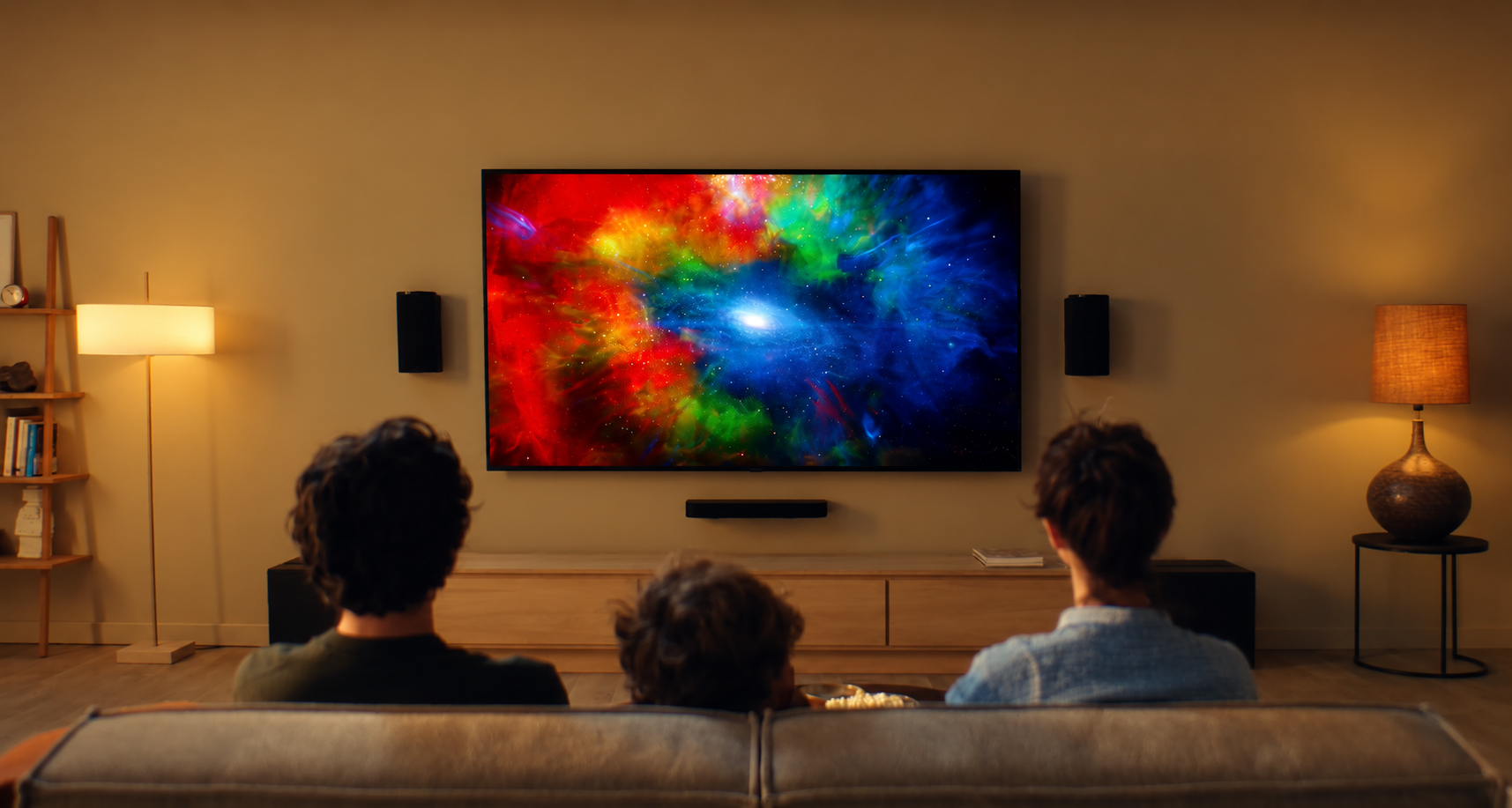



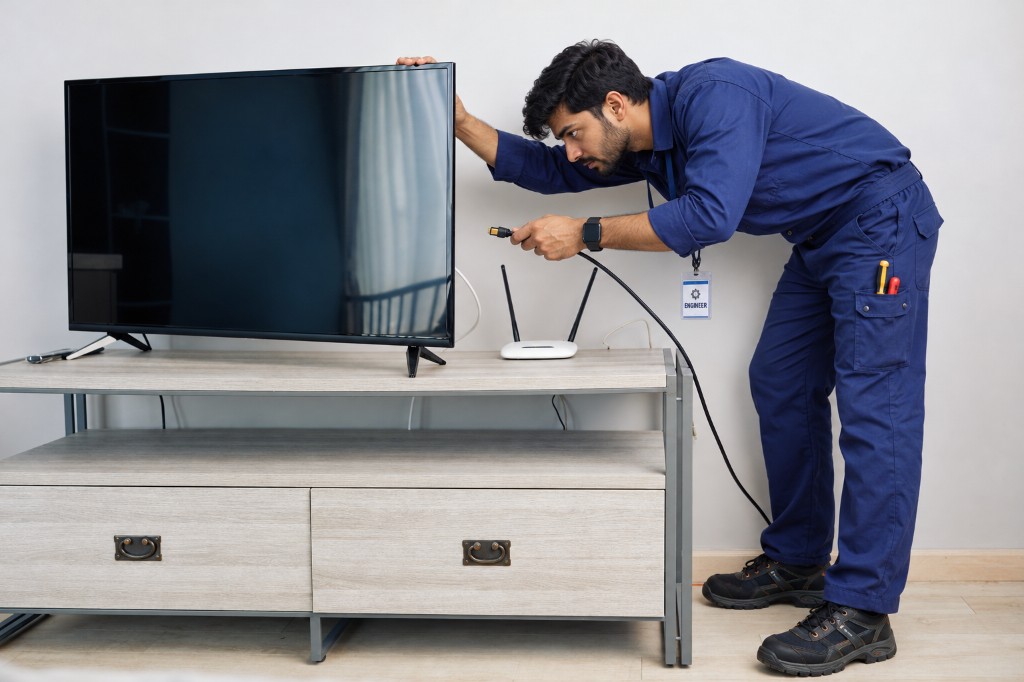
Connect to Wi-Fi
Get Zenith online in minutes.
Step-by-step network setup for a stable Zenith connection.
Step-by-step video guides & tutorials
Video Guides
Get Zenith online in minutes.
Step-by-step network setup for a stable Zenith connection.
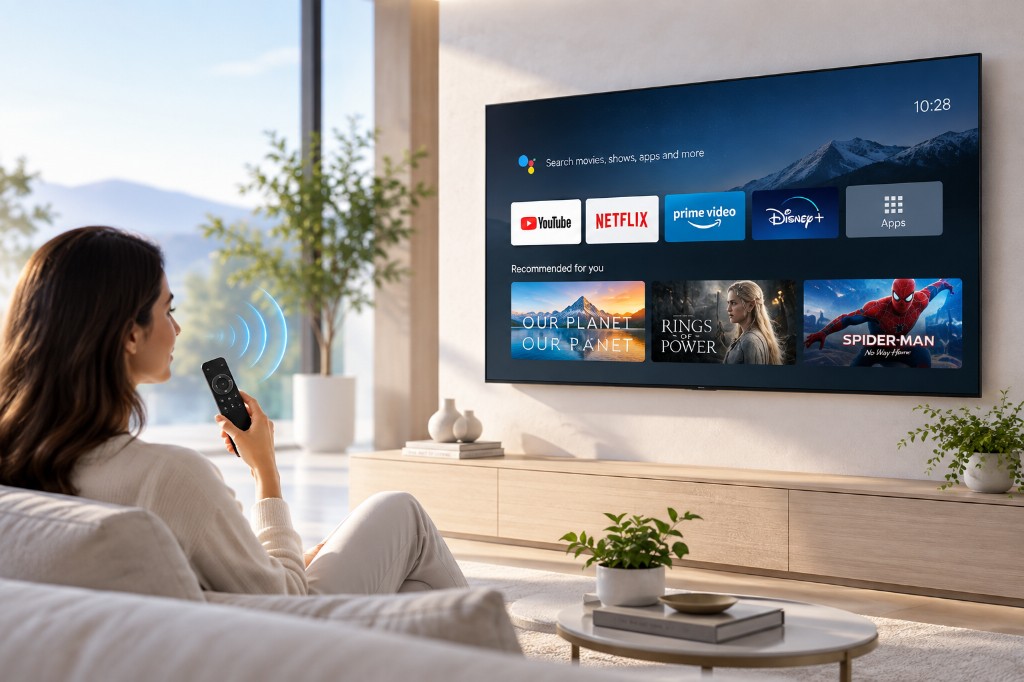
Fine-tune Quantum colour.
Adjust brightness, contrast, and picture modes on Zenith.
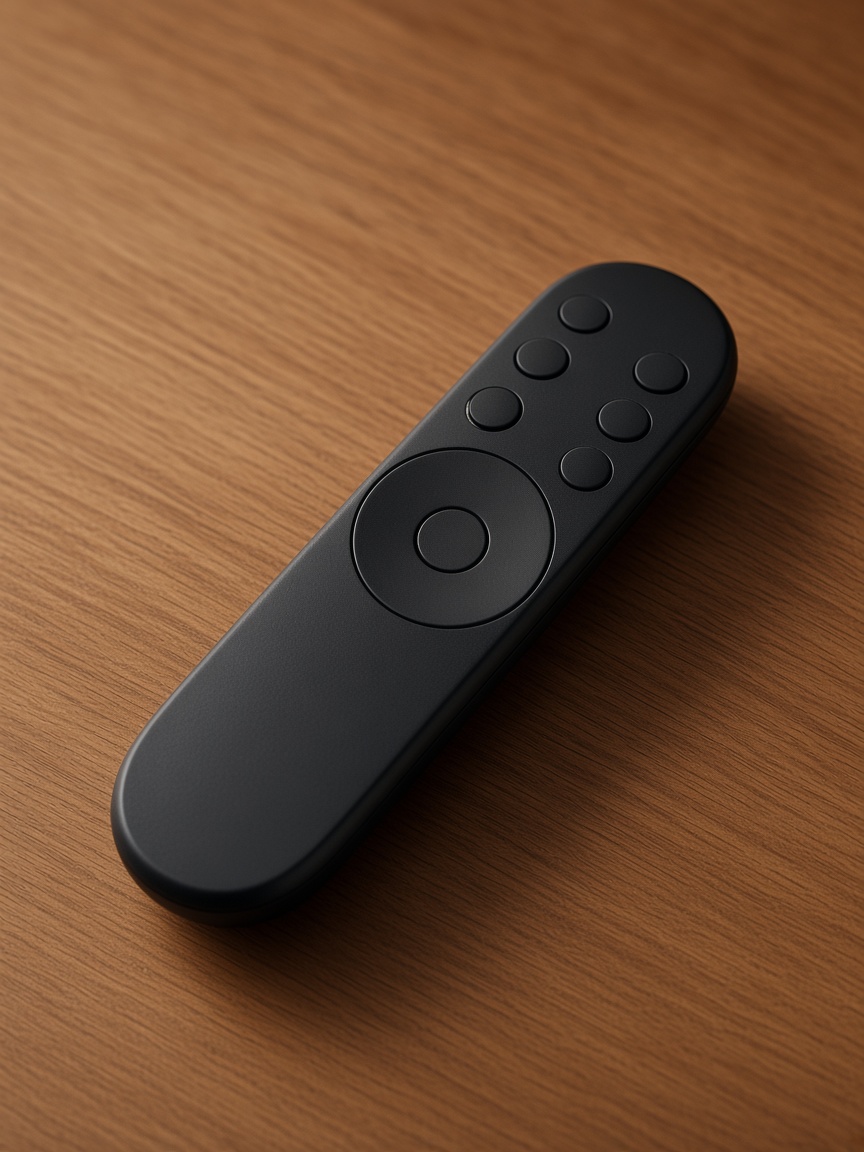
Bluetooth remote made simple.
Reconnect or pair a replacement remote with your Zenith TV.

Clear audio, restored fast.
Troubleshoot mute, HDMI ARC, and external speaker setup.

Start fresh when you need to.
Safely reset Zenith settings without losing your essentials.

Core, ready in a few taps.
Walk through language, network, and account setup on Core.
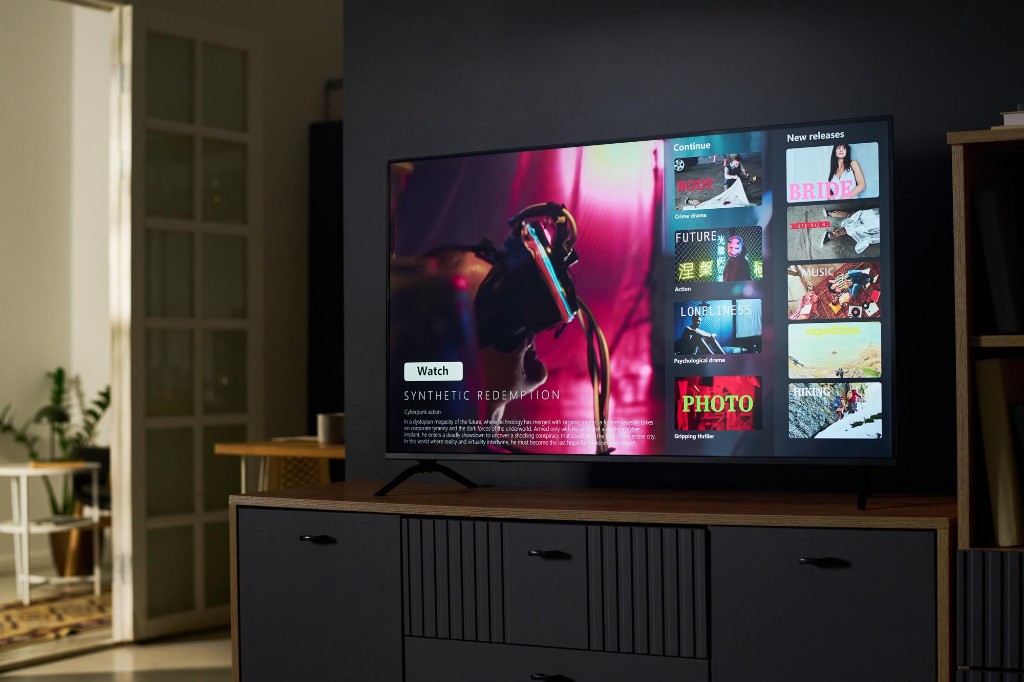
Your apps, one place.
Find, install, and organise favourite apps on Core TV.
Devices where you expect them.
Change sources and rename inputs for consoles and set-tops.

Keep Core current.
Check for updates and install the latest Core system software.

Get the picture back.
Resolve blank screens and cable connection issues on Core.
Product Videos